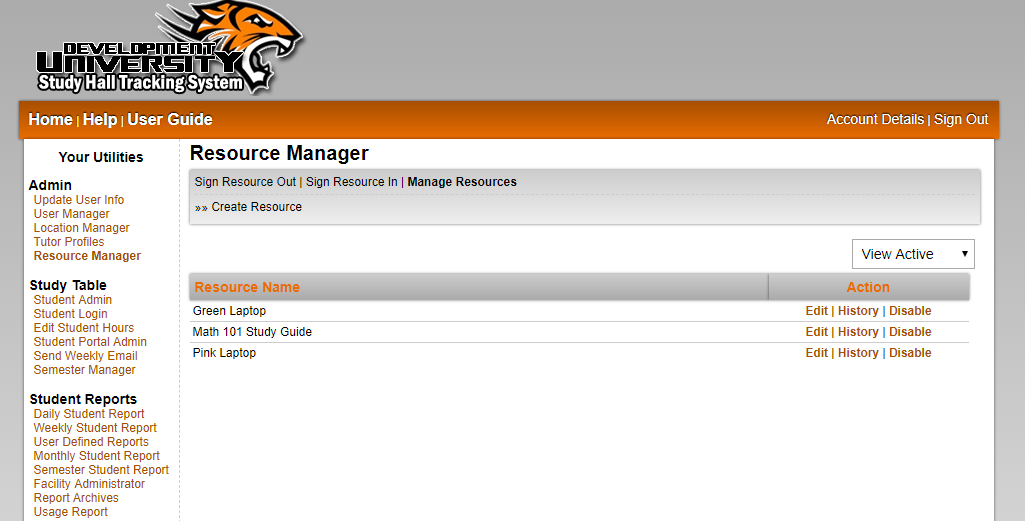
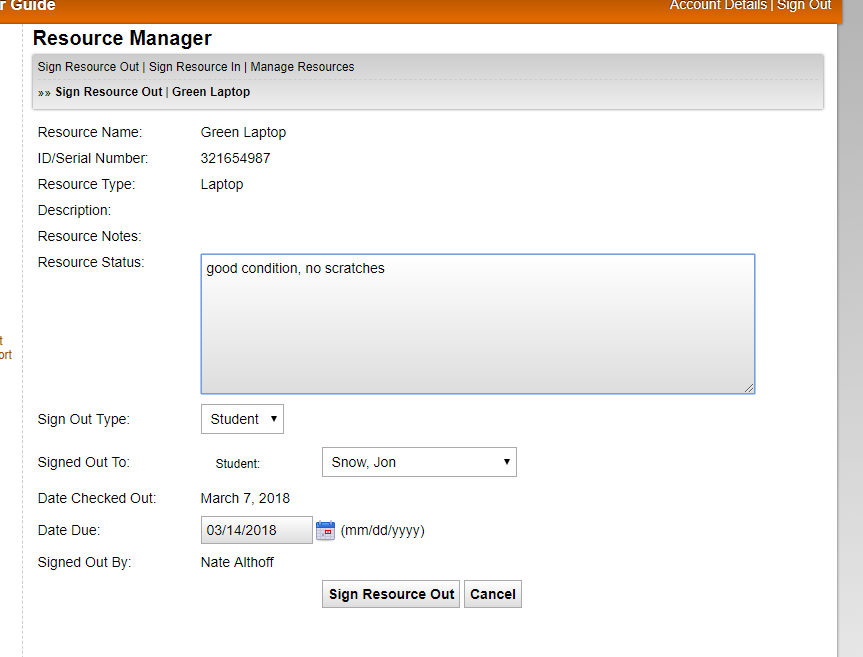
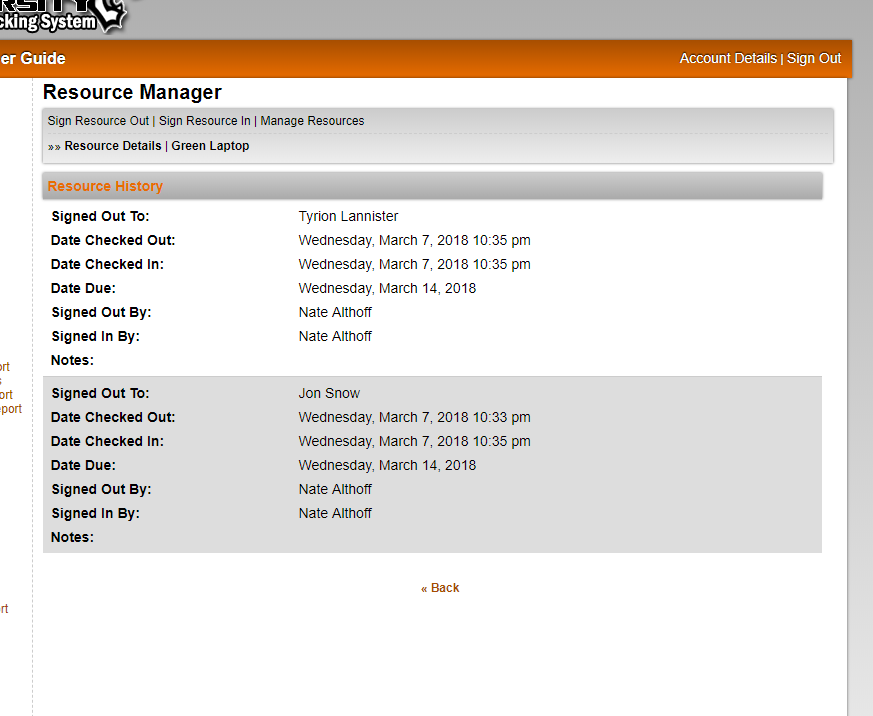
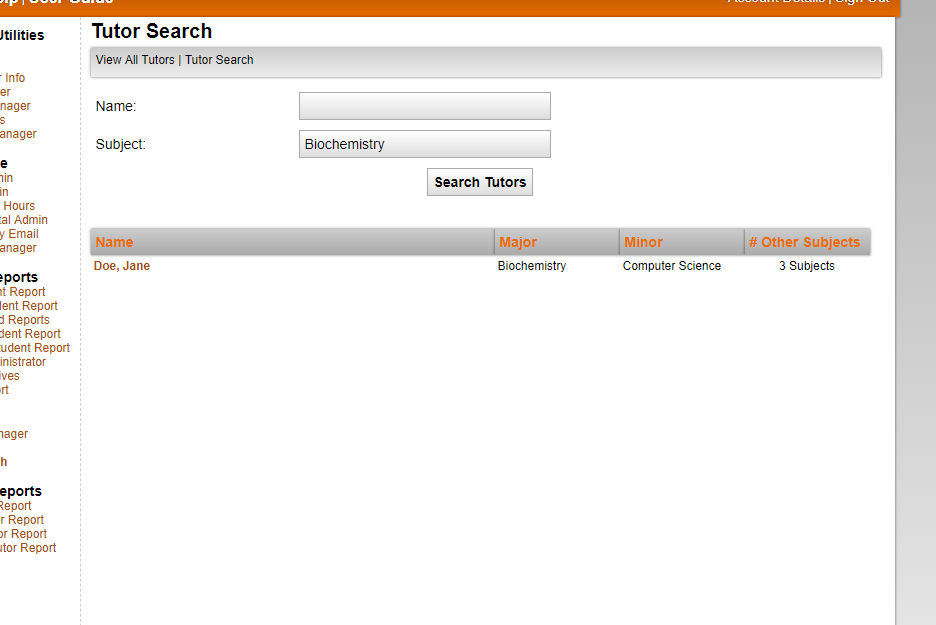
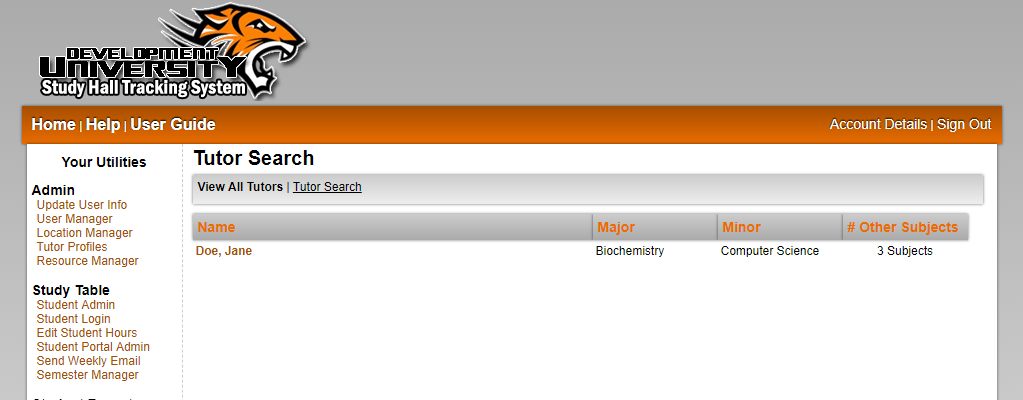
The Artemis Study Hall Tracking System is offers a wide range of tools at an affordable price. The cost of the system is well worth it when you look at what the tools do, especially if you'd plan on using the system for 2-3 years. Also, all newly developed tools for the basic suite will be included at no extra charge once they are complete. To skip ahead to the tool descripions, please click here.

Cost Breakdown:
  • $1,200.00 one-time fee to cover all software and programming costs.
  • $120.00 per year to cover all hosting fees associated with running the tracking system.
  • $15.00 per year to cover the registration of a personalized URL for your tracking system (optional).
The $1,200.00 fee is payable upon final agreement between the university and the Artemis staff, and pays for all fees associated with existing programming and software. All updates to the basic tools as well as any new tools introduced to the basic suite of tools is paid for by this cost. Custom tools are available, but at an extra cost. Payment plans are available, but may add an additional cost to the one-time fee. These plans will be worked out individually with any university that requests them.
The $120.00 yearly fee covers hosting costs from September 1 to August 31 of any given year. If a university purchases the Artemis Study Hall Tracking System after the start of the billing period, this amount will be pro-rated according to the time remaining until the end of the period. The cost breaks down to $10 per month, and time will be rounded up to the next month to give the benefit to the university.

The optional $15.00 per year fee pays for a unique URL for the university's tracking system. This URL can be formatted to anything available, but is suggested to follow a specified format (http://www.myuniversity-studyhalltracker.com) to allow for ease of use. If a university does not feel a unique and personalized URL is necessary, the format of the following URL will be used: http://www.studyhalltracker.com/myuniversity The personalized URL is available for purchase at any time throughout the billing cycle, and not all URL's will be available.

As new basic tools are developed and existing basic tools are improved, current customers will receive the upgrades at no extra cost. The total cost to new customers may increase in the future due to the availability of more basic tools.

So for just $1,320.00 to start, your entire athletic department can start using the Artemis Study Hall Tracking System and benefit from the functionality and ease-of-use it offers. Please click here to request a demo to see if this is the right system for you.

Tools included in the Basic Tools Suite

The basic Artemis Tools Suite comes with the following well-rounded tools. These tools are what you need to keep track of your student's study hall attendance, and also build reports to keep coaches informed on the progress of their athletes.

User Login Manager - View Screen Shots
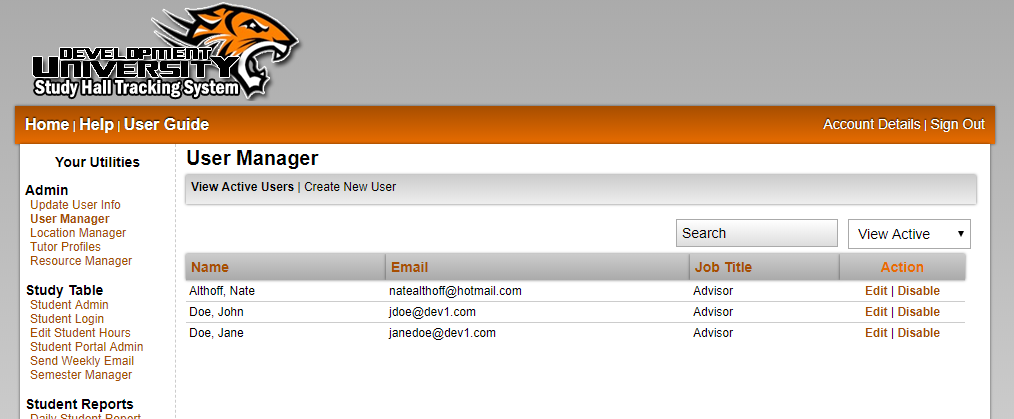
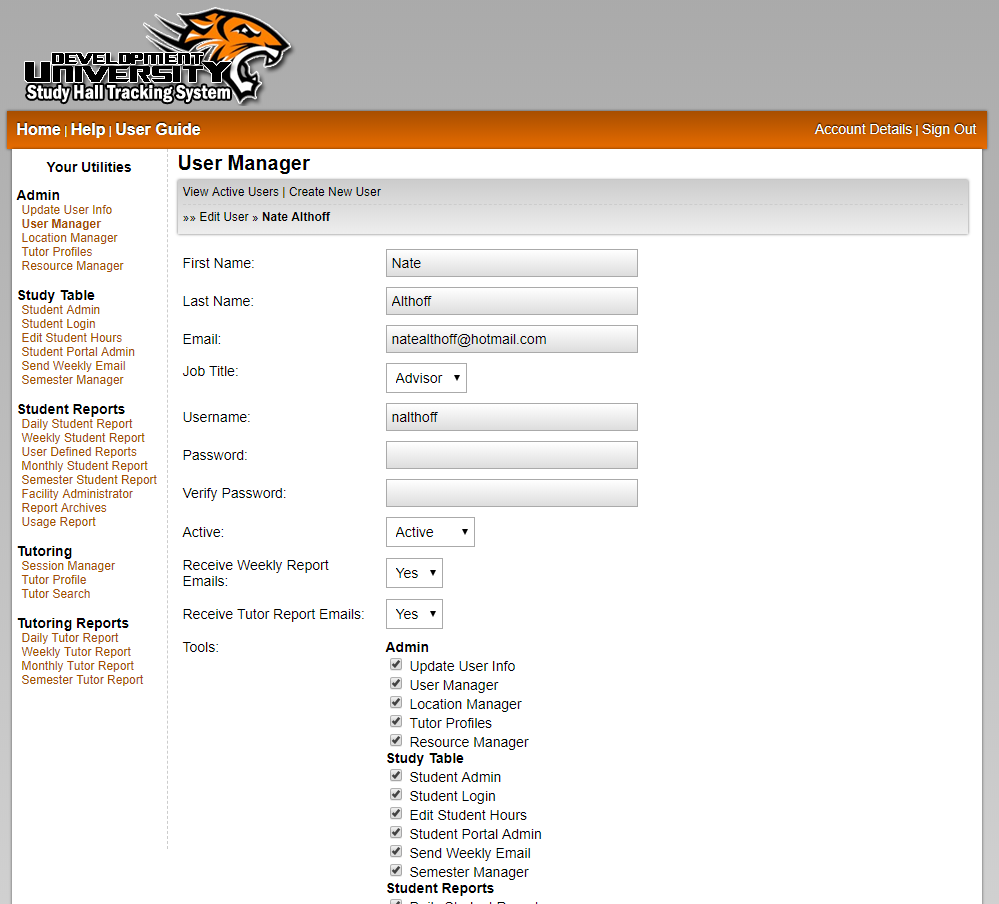
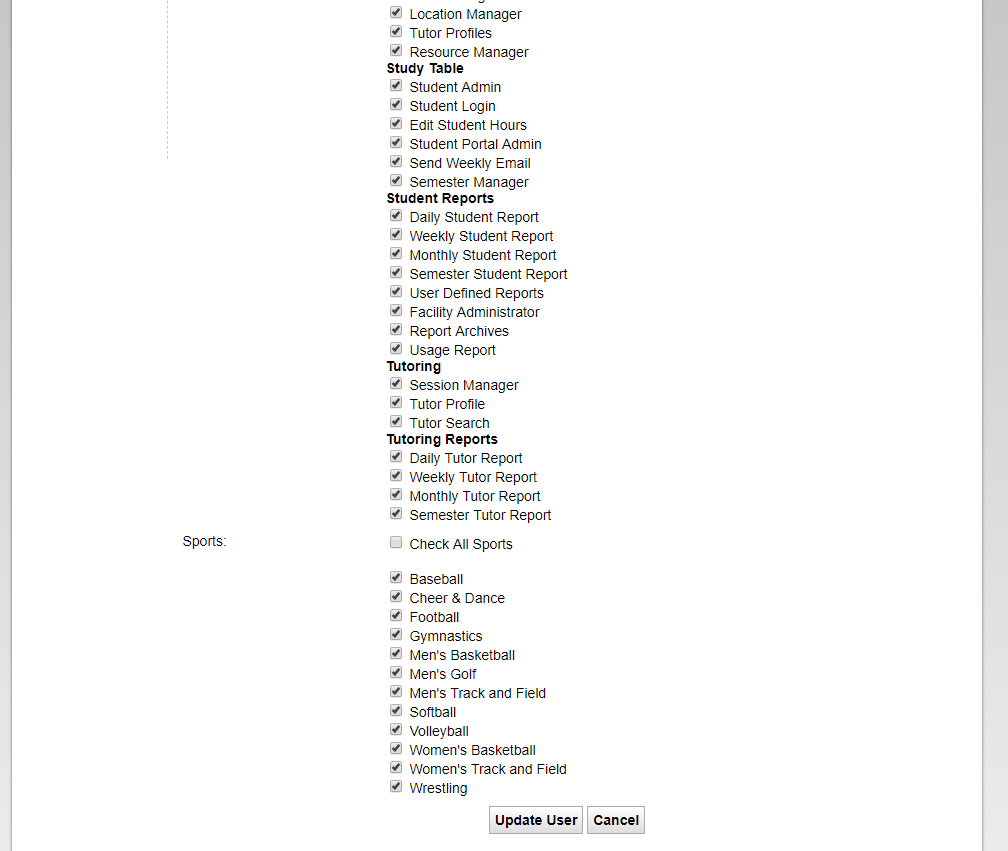
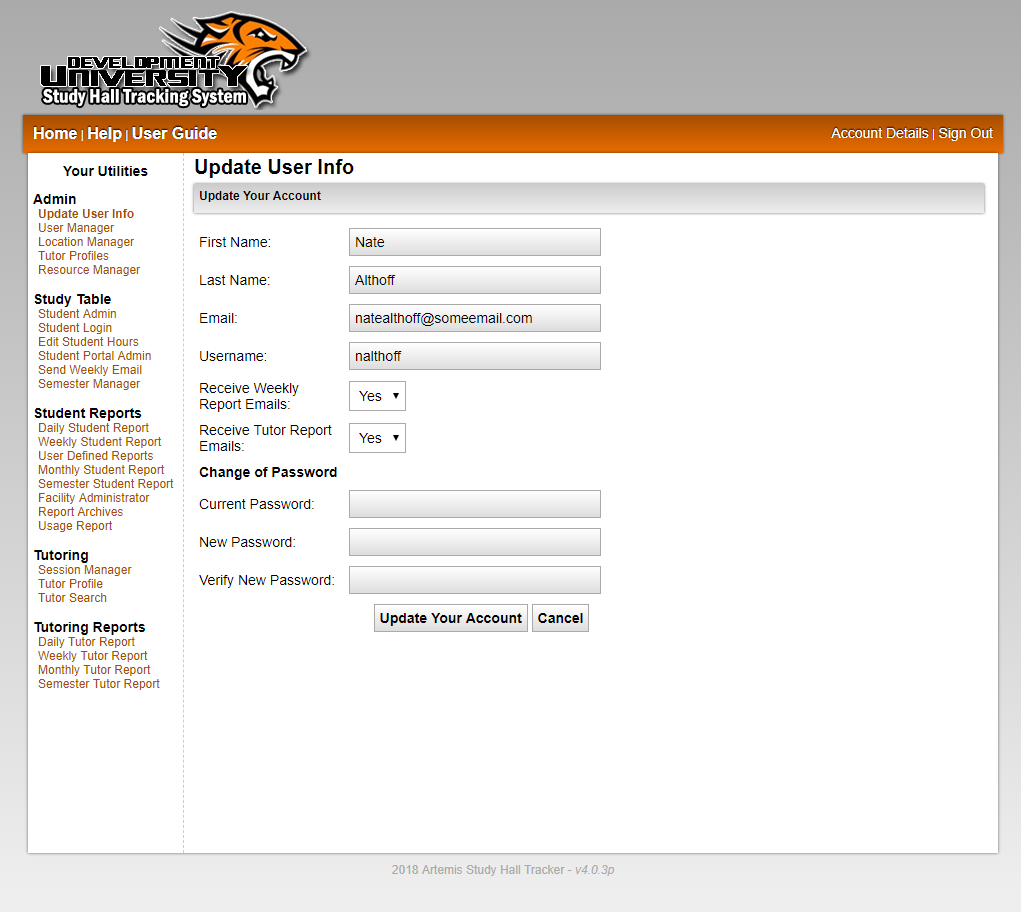
The user login manager allows each school to create user accounts and assign access privileges for each tool. This tool also allows each user to update their own information as needed, but also keeps them from gaining access to secure tools and information. For example, the admin user of the site can create a user account for a coach, and assign him/her access to only the tool needed to view the study hall reports. Each user can also be assigned only the sports they coach, so there is no information available aside from what that specific coach is supposed to see.

Student Admin - View Screen Shots
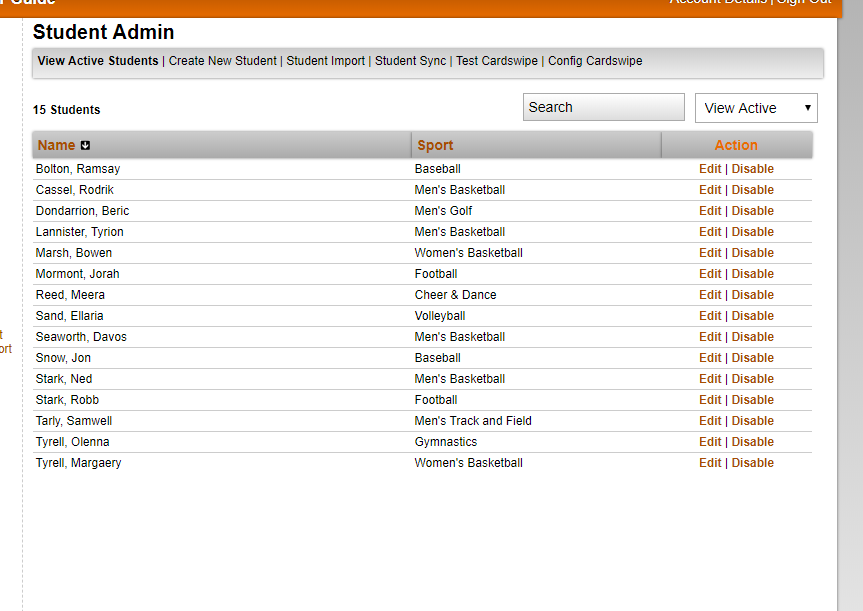
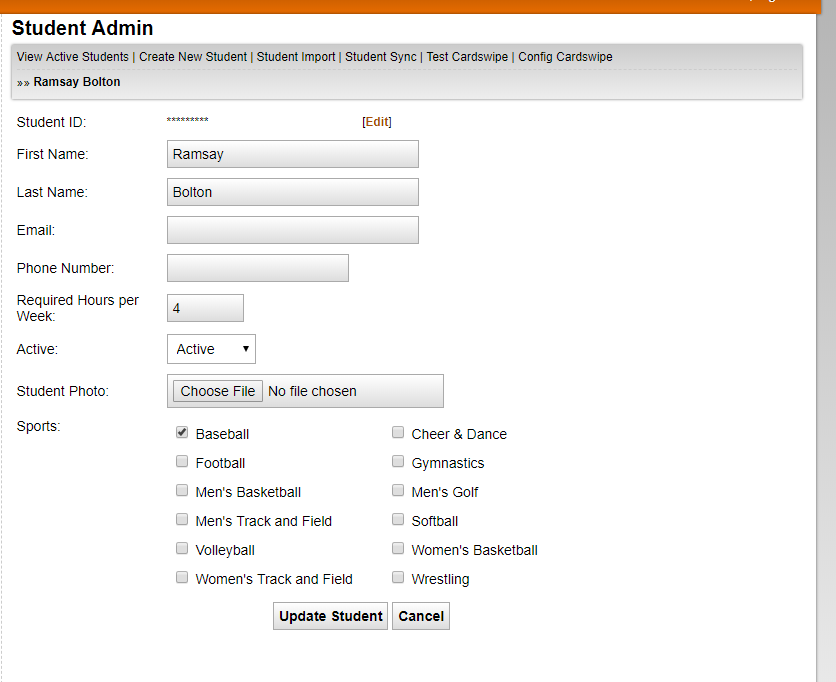
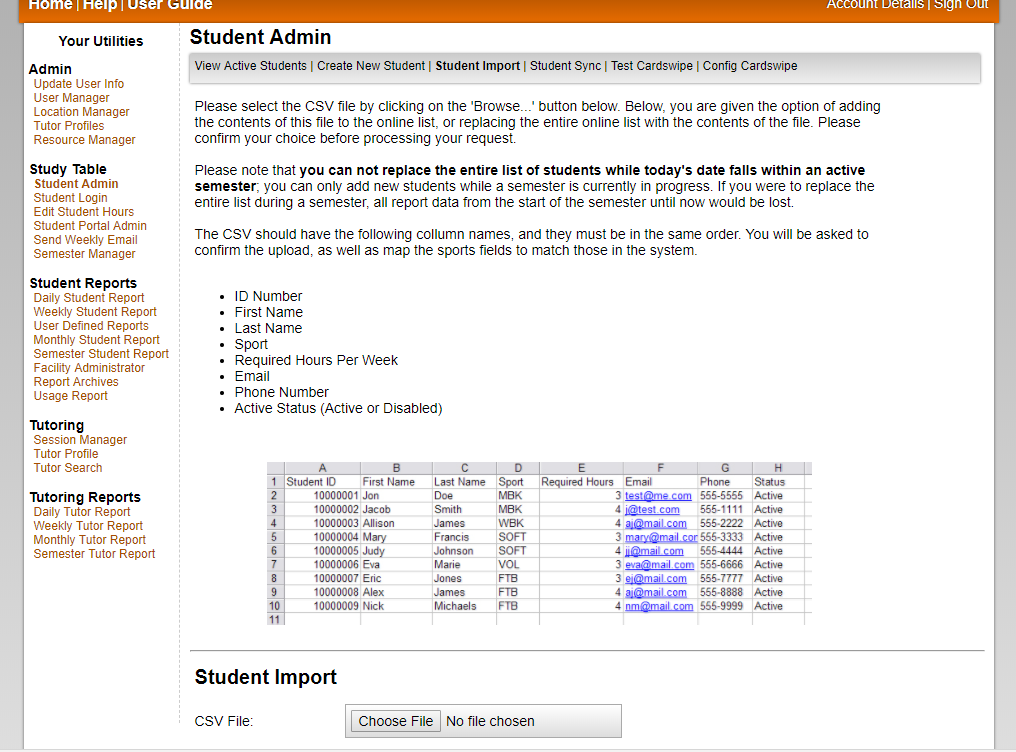
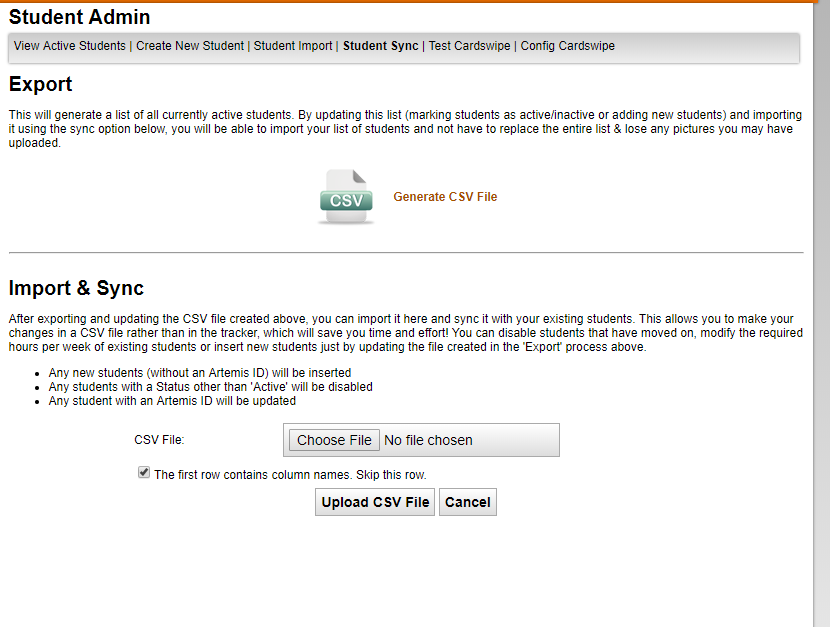
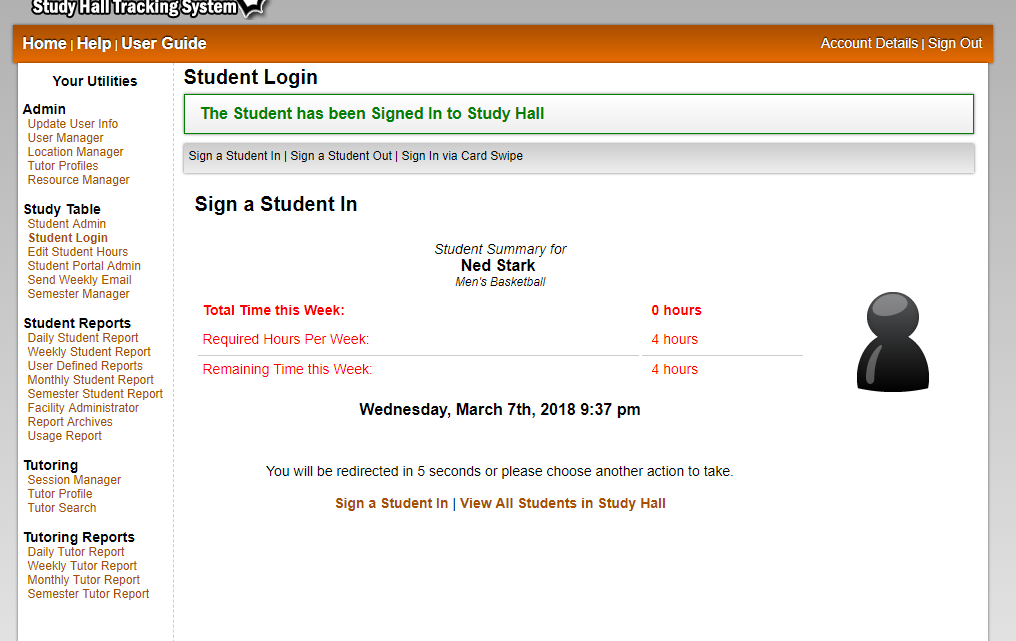
Each school can create and remove students as needed. Newly added students are then assigned to a sport so coaches can view that student's study hall progress. As a new feature, a student's image can also now be uploaded to their profile. This picture is then shown upon check-in so whoever is signing students in can confirm it's the correct person, placing a name with a face.

Student Login - View Screen Shots
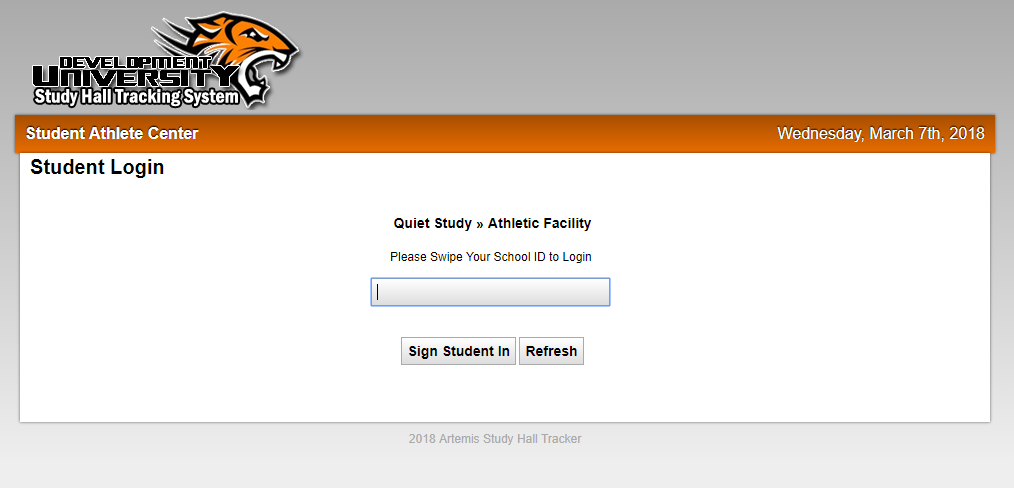
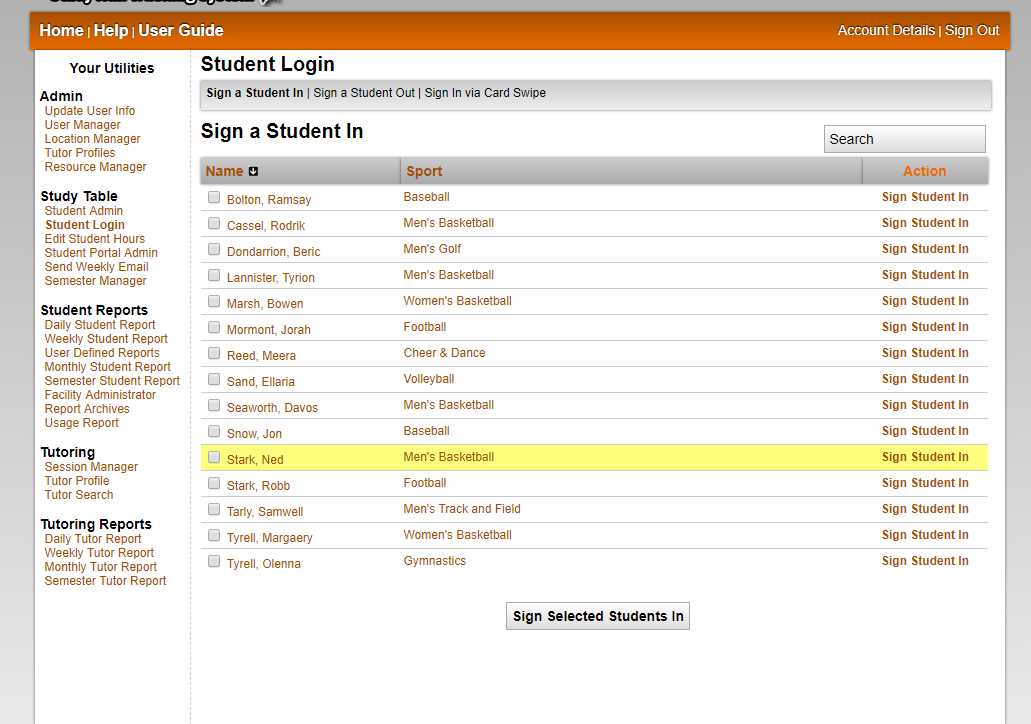
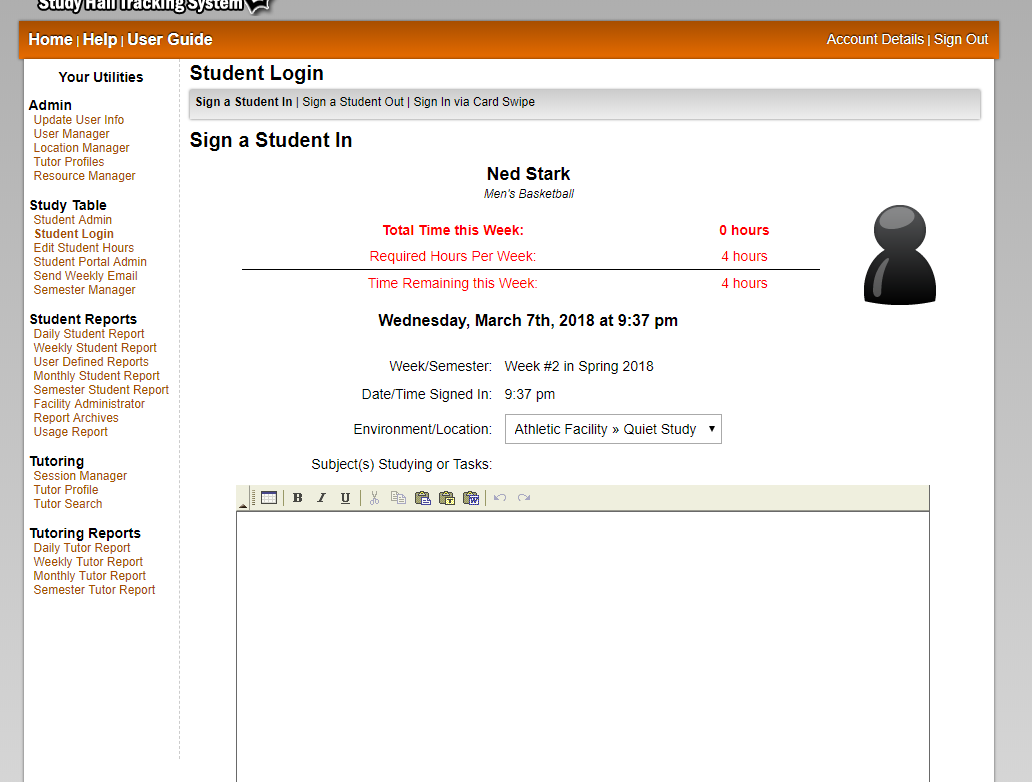
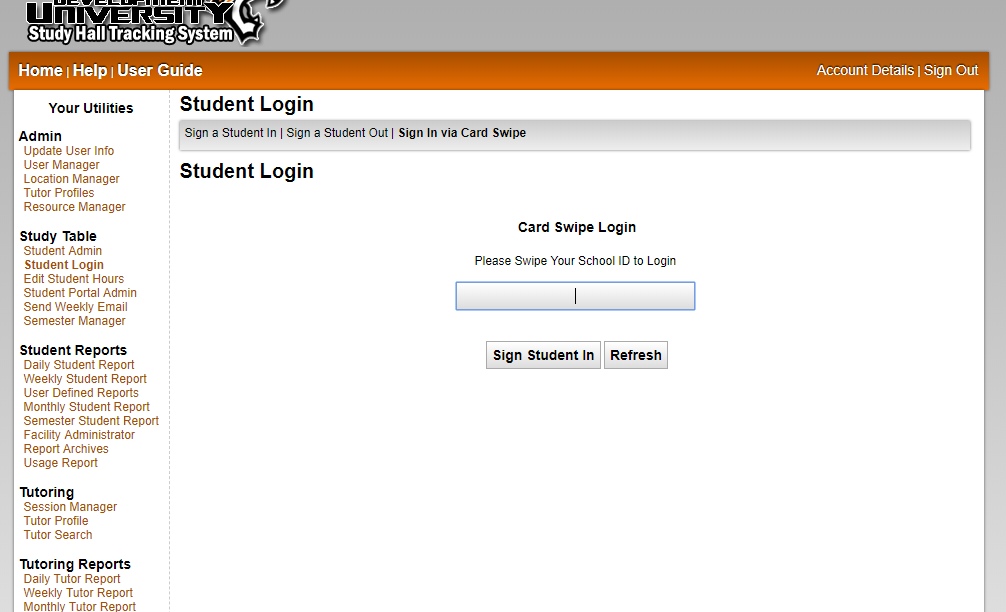
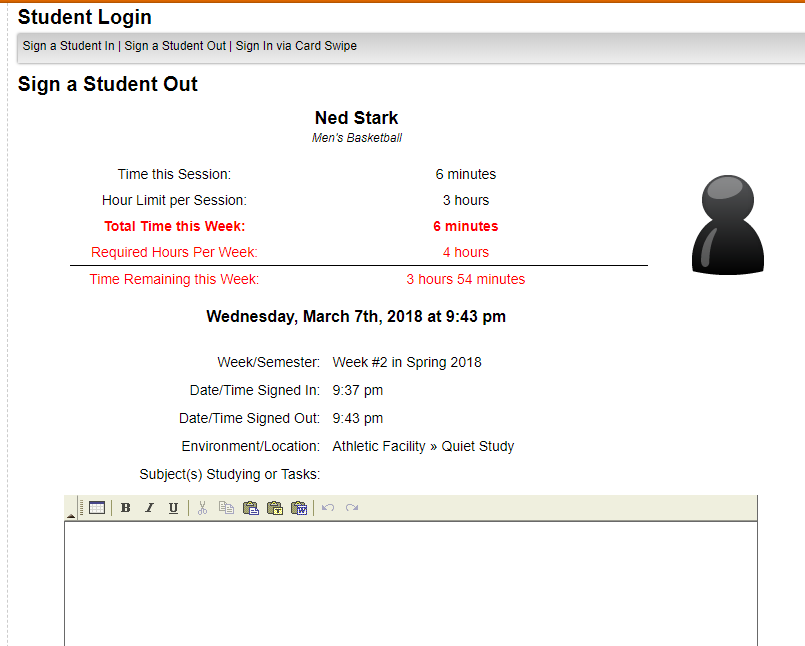
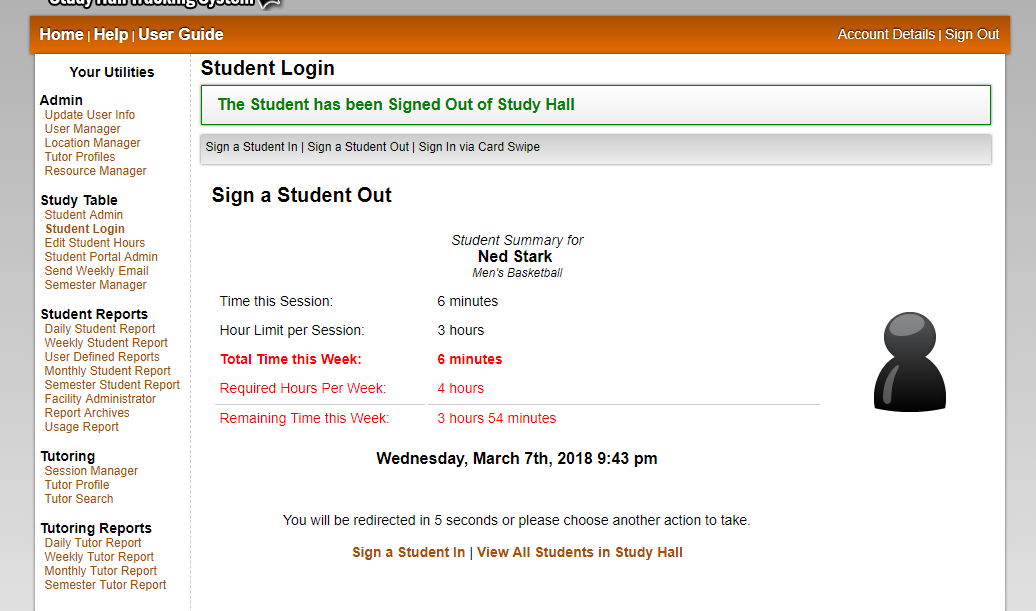
The Student Login tool is the heart of the Artemis system. This tool is used to keep track of the students that are currently signed into study hall, as well as calculate their time for each session in order to generate the reports. Once you choose a student's name from a list, their sport information as well as accumulated time for the week is shown to the screen. This gives the student up to the minute information about how much time remaining in order to reach their quota for the week. Everything from the day they check in right down to the minute they check out is automated, so there's no way for a student to gain a few minutes due to a friendly monitor. This tool also allows monitors to rate the student's time in study hall as positive or negative, and provides a place to enter notes about what they studied and how their study habits were while they were checked into study hall for that session.

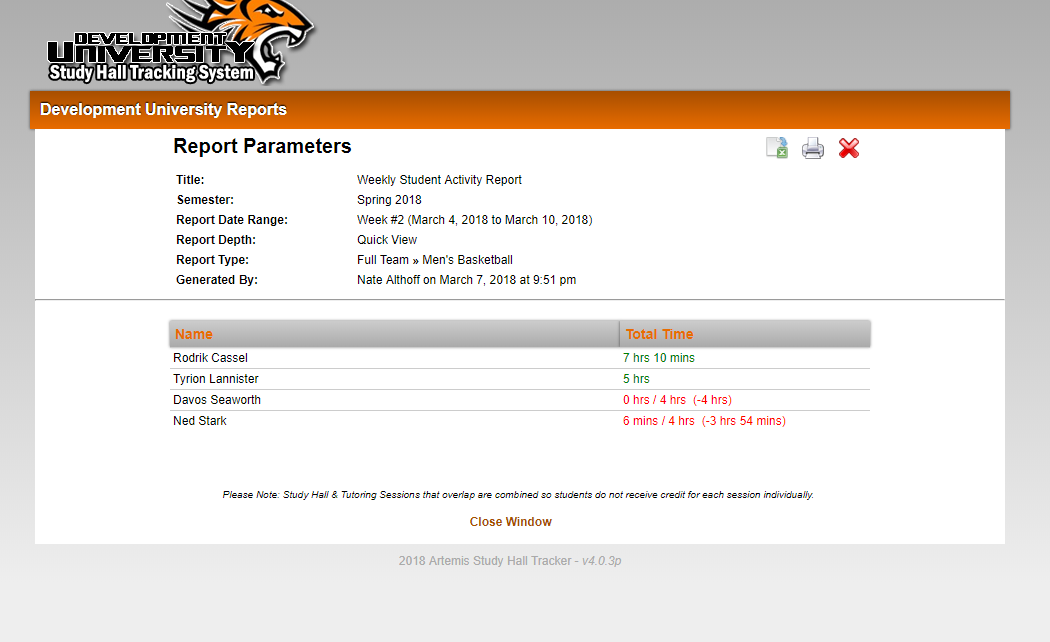
Student Reports - View Screen Shots
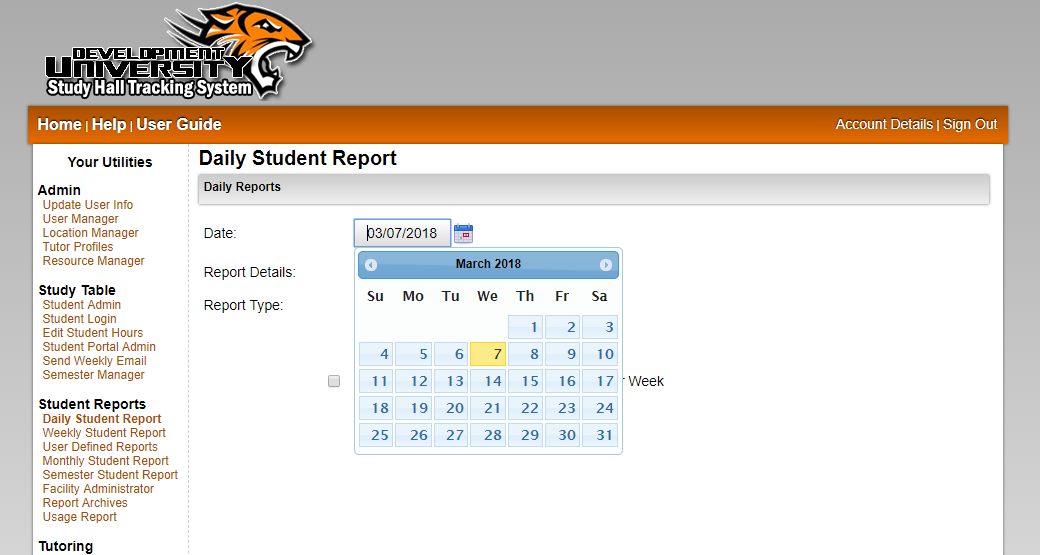
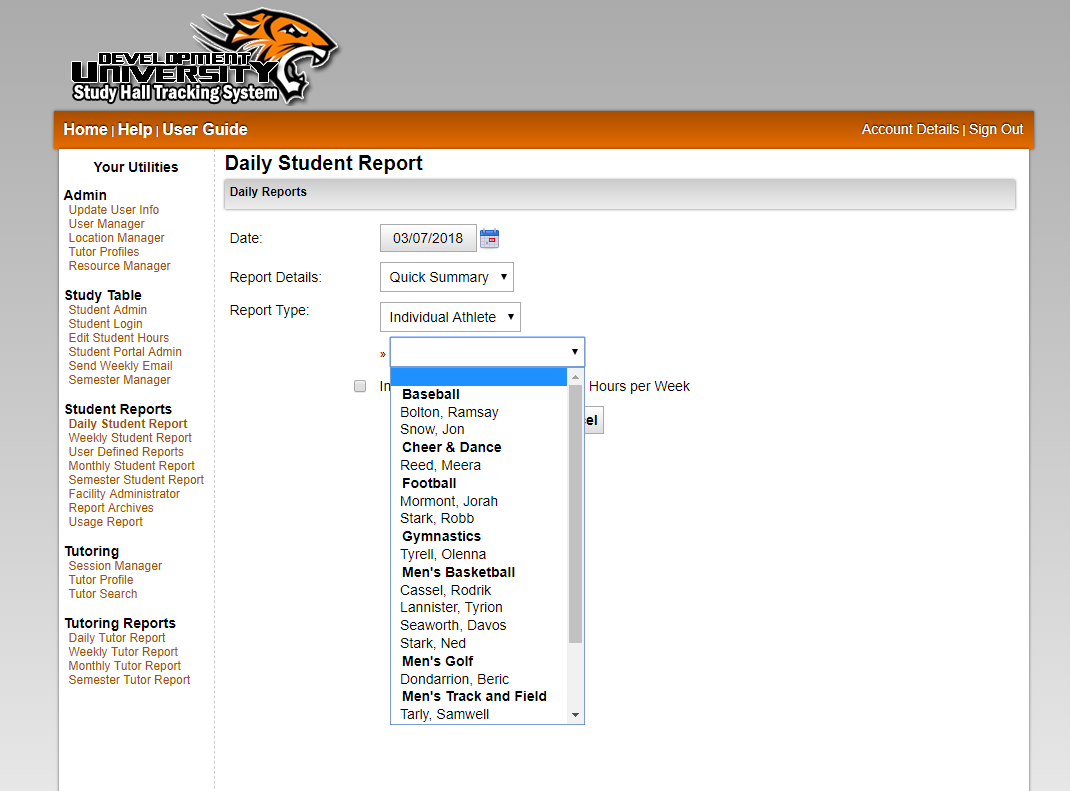
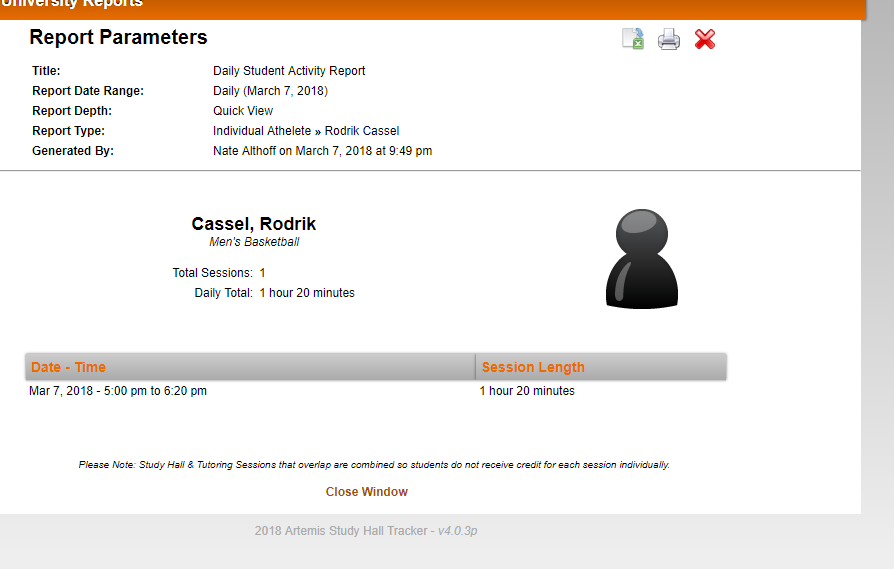
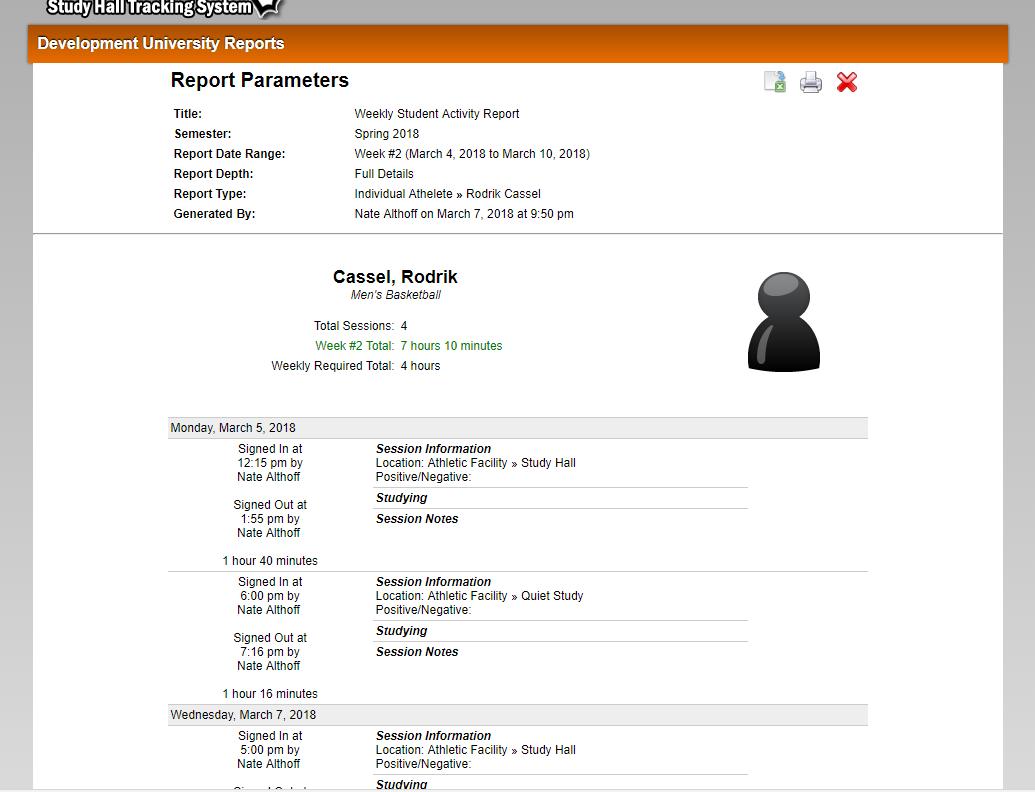
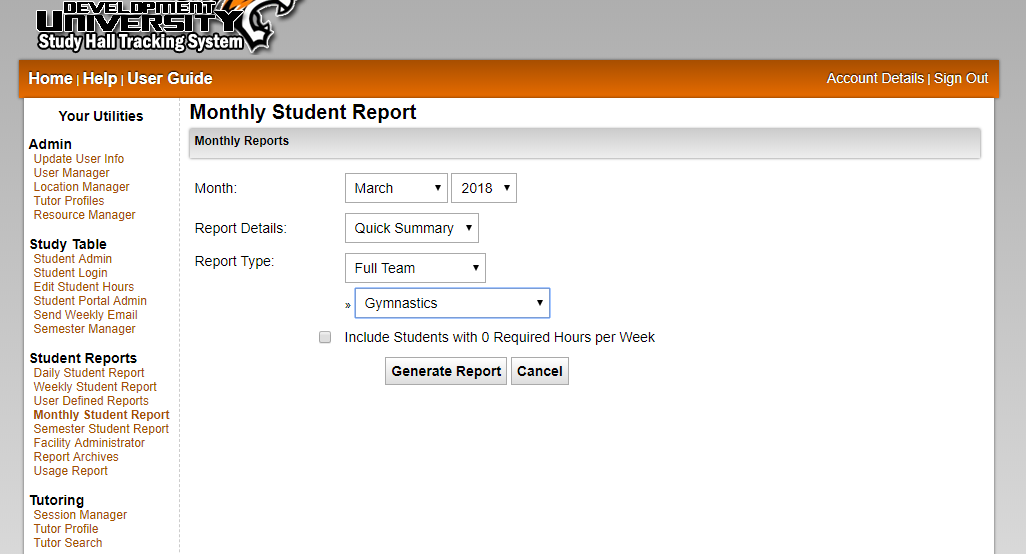
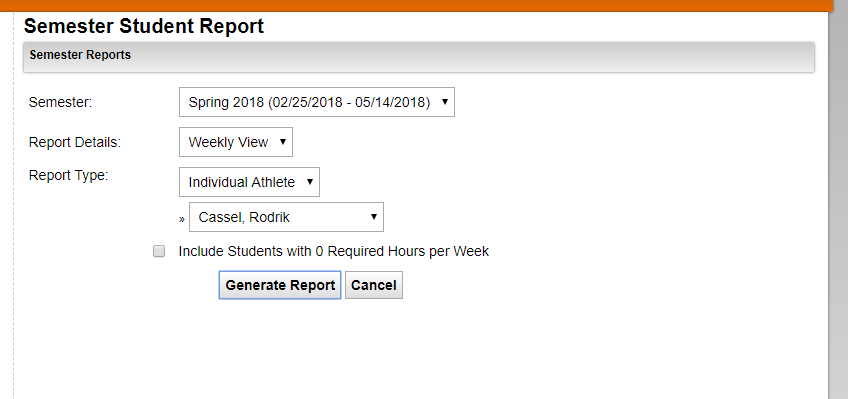
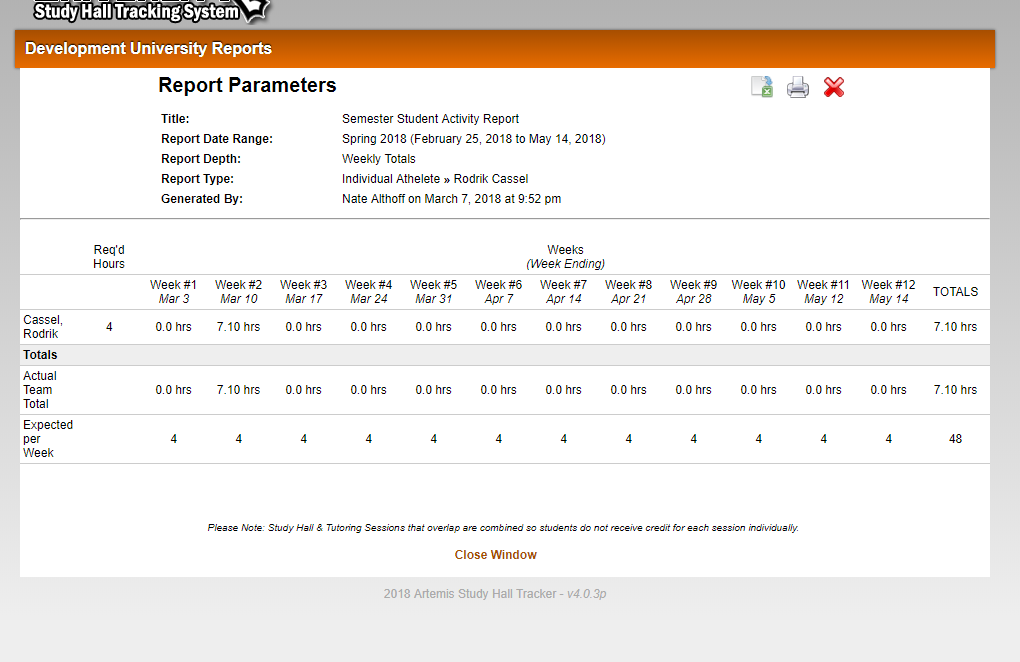
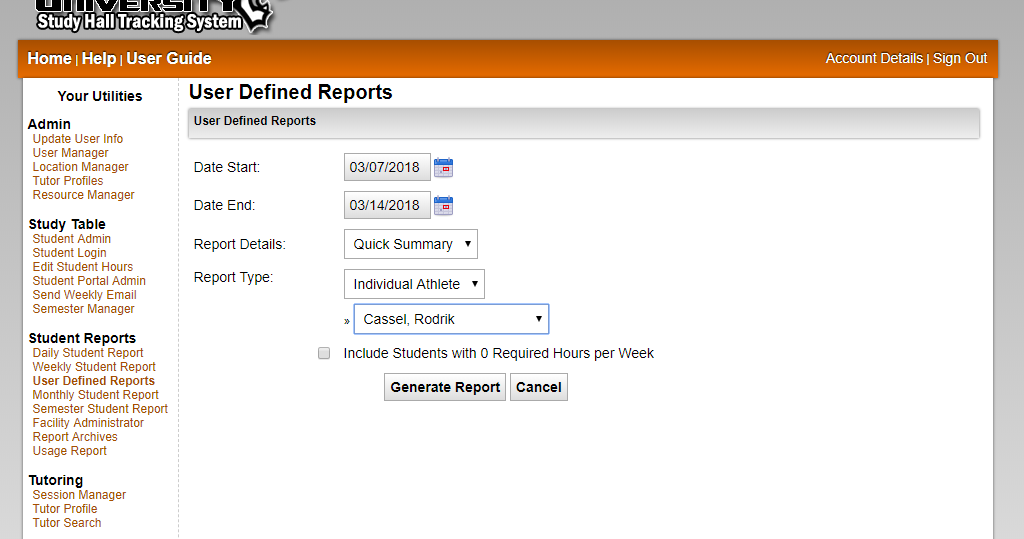
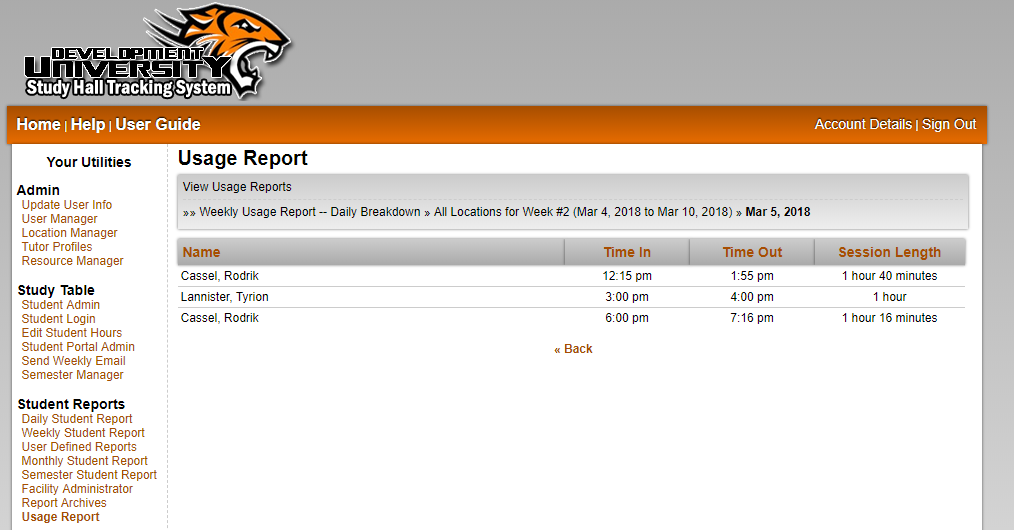
The Student Reports not only tell the story of when a student attended study hall, but what they studied and how they behaved while there. The monitors keeping an eye on the students are able to enter information about what the student is studying, how they behaved throughout and even rate the student's study session as 'Positive' or 'Negative'. These reports are updated as soon as the student checks out of study hall, and are available to the advisors or coaching staff at any time. They simply have to sign in and choose the report they would like to see (by team or individual student) and the information is presented in a neat, organized and easy to use format that can easily be printed or saved as a document to their own computer if needed.

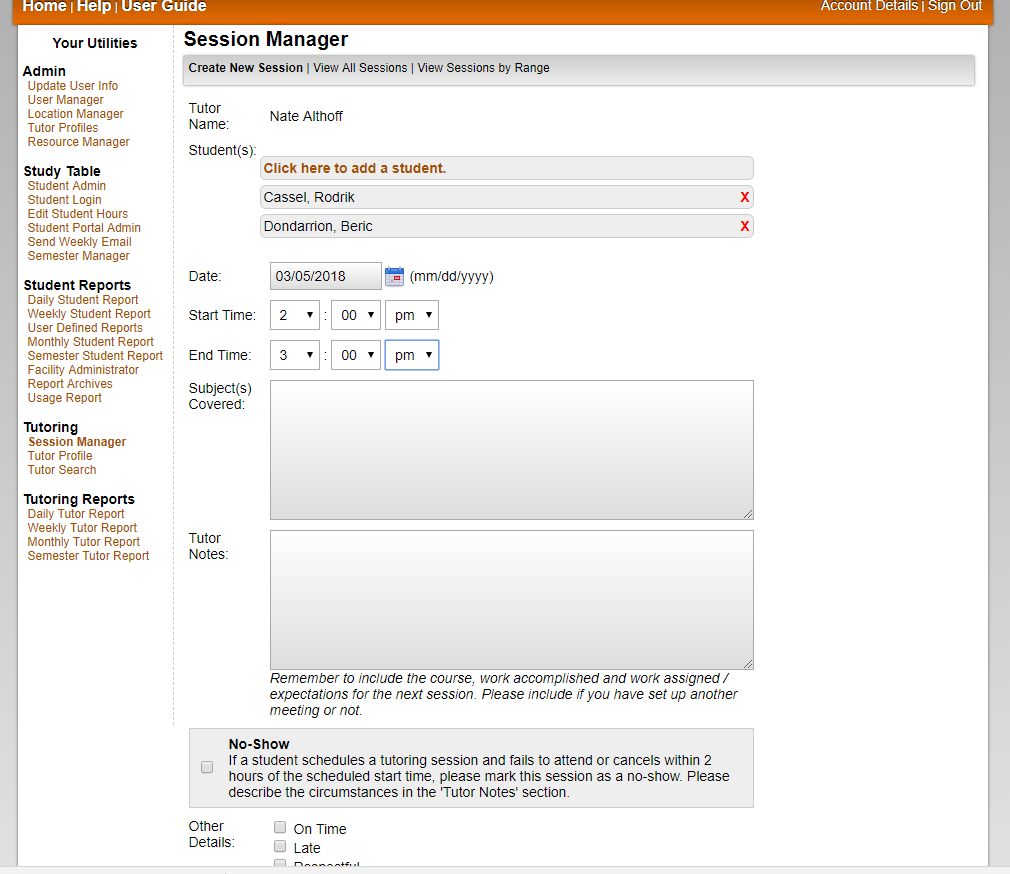
Edit Student Hours - View Screen Shots
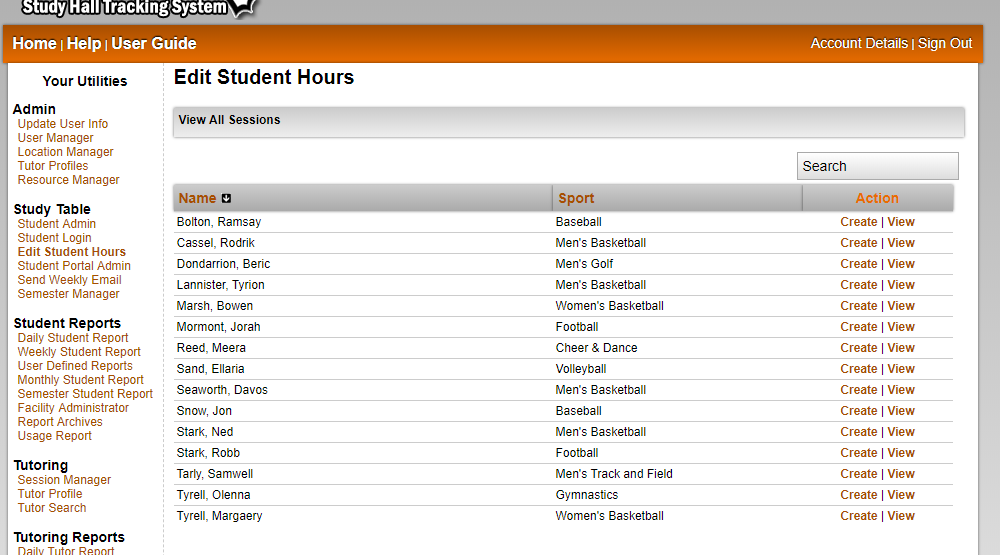
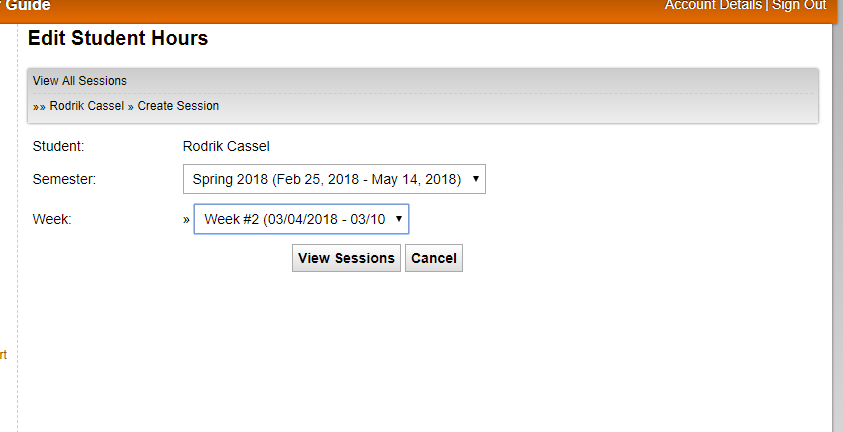
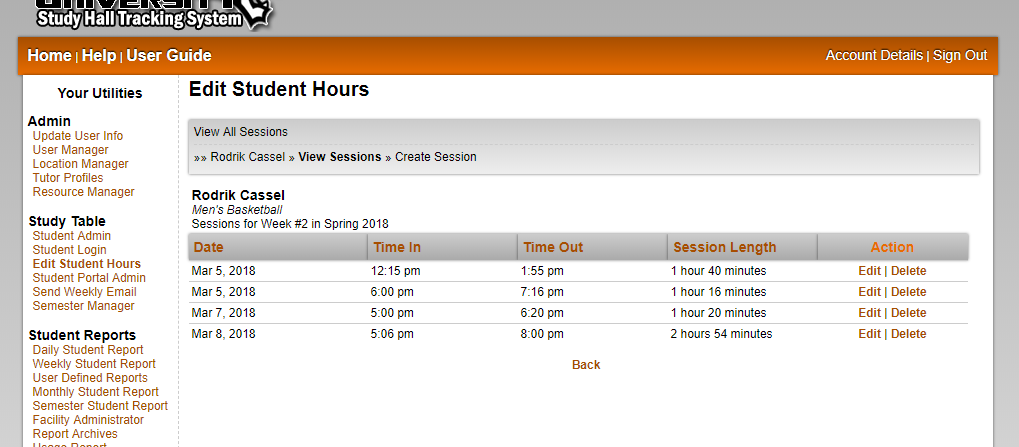
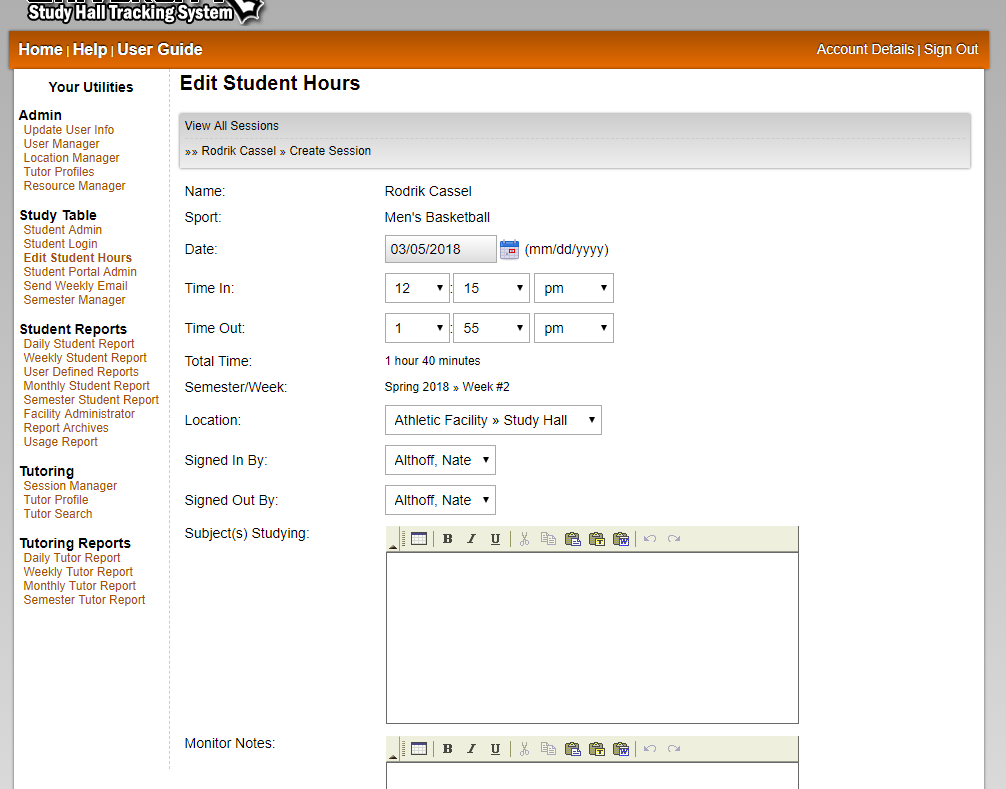
The session editor, one of the newer tools created for the Artemis system, allows advisors to create new or edit existing study hall sessions for a student. This is useful if a monitor is not able to use the tracking system right away, or if the student attends an off-site study group but is still allowed to get credit as part of their weekly requirements. The editor also works nicely if a student is mistakenly not checked out at the end of the day. The advisor can then delete the hours needed in order to give the student the correct amount of time he/she spent in study hall for that session.

Send Weekly Emails - View Screen Shots
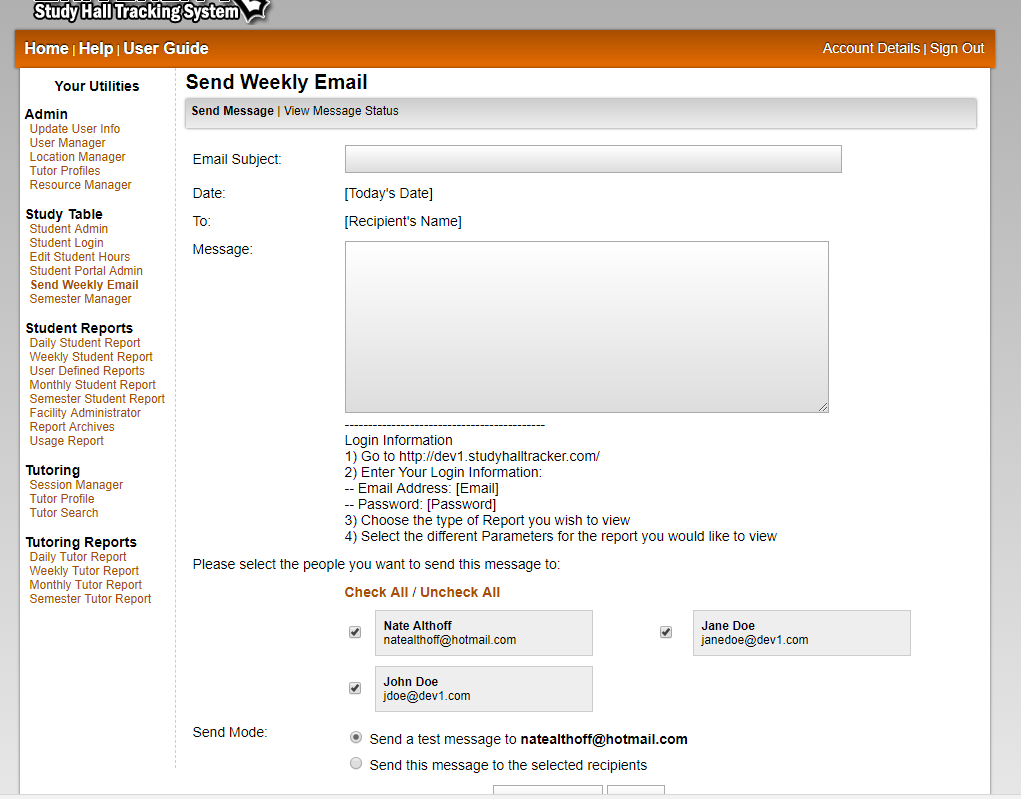
As part of the Artemis system, this tool allows advisors to notify the coaching staff that the reports for their respective sports are available. By simply clicking on a button, personalized emails can be sent to advisors and coaching staff reminding them that they can view the reports for their student athletes at any time. Each email also includes instructions on how to sign in and view the reports, as well as their user information and password. These messages can be edited to allow for certain events, such as an explanation for study hall being closed for a holiday or some other circumstance that may affect the total number of hours for a student.

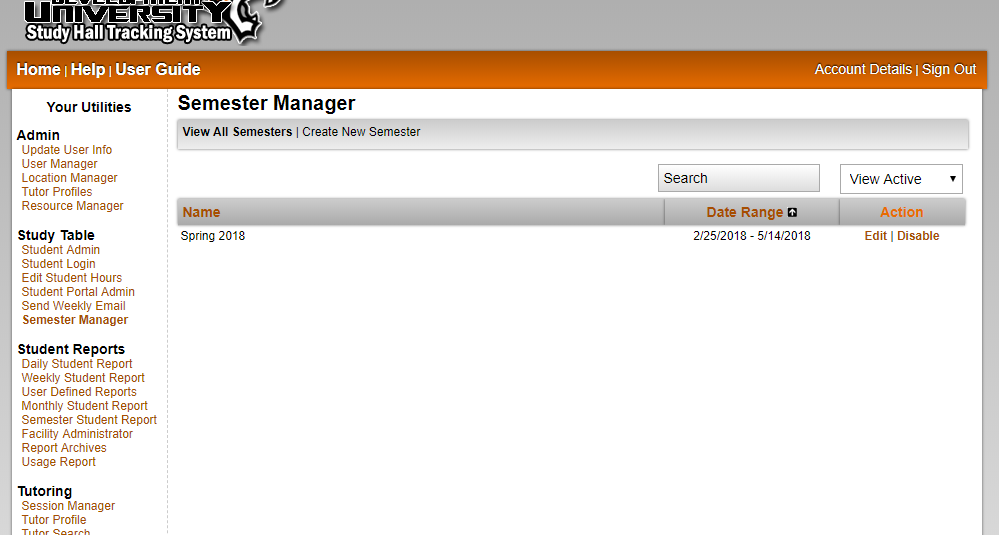
Create Semesters - View Screen Shots
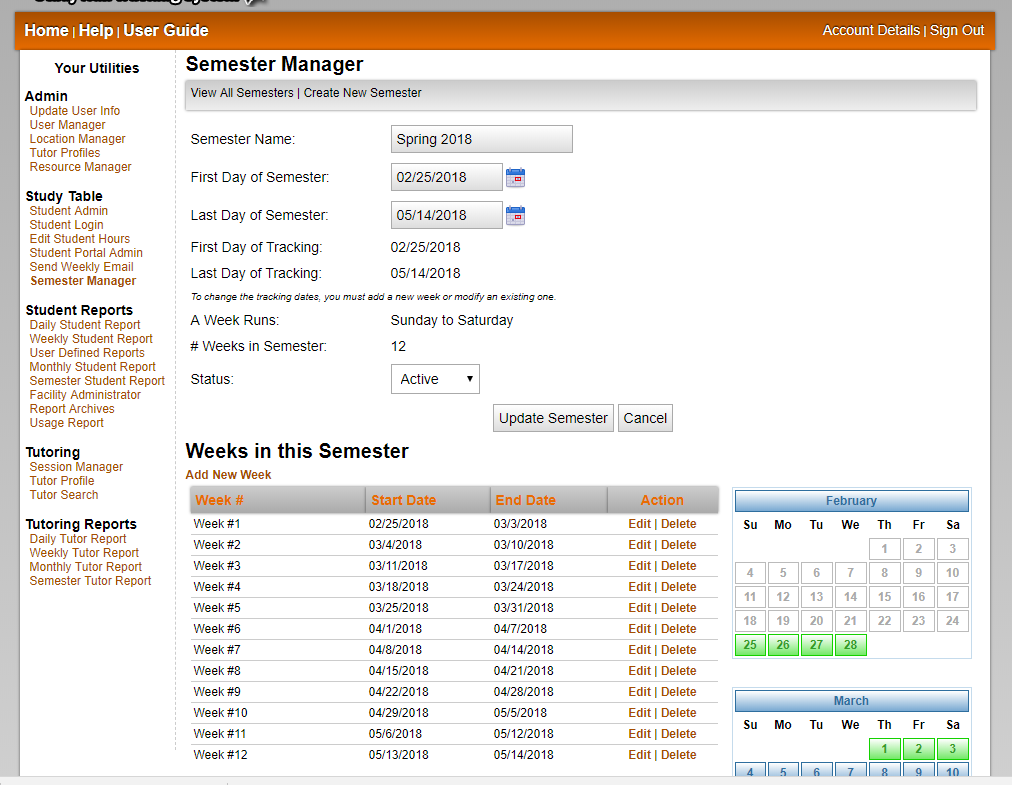
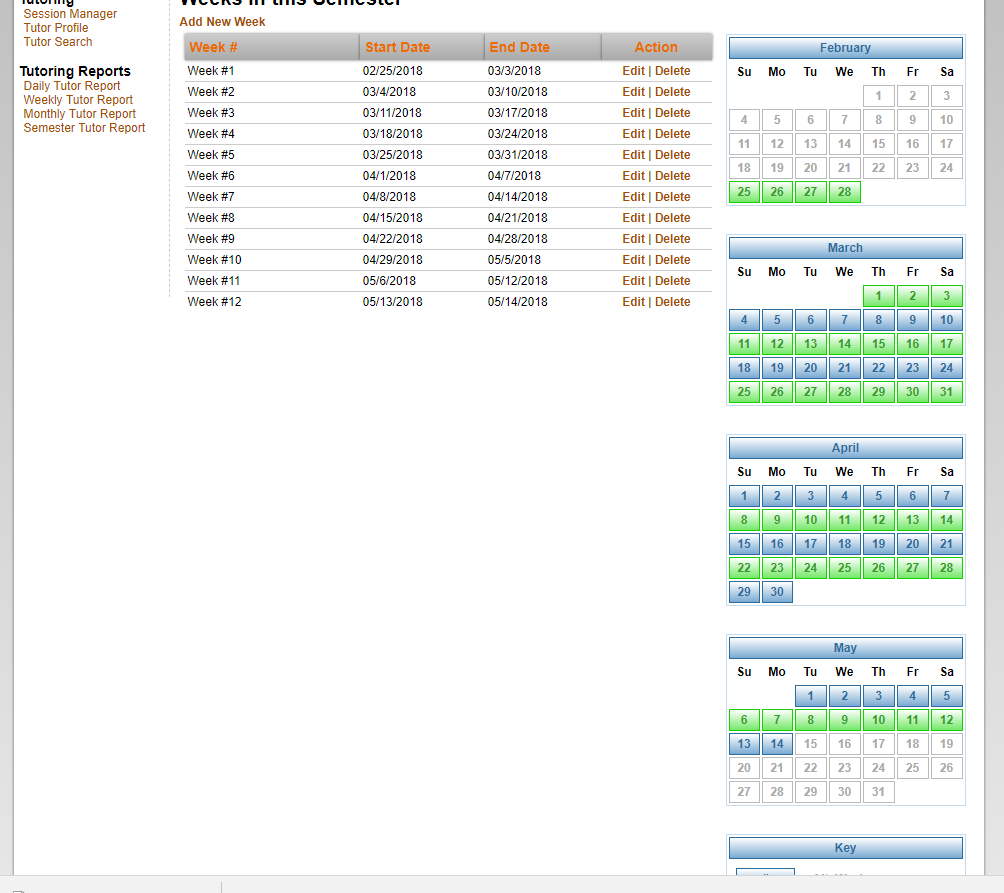
The ability to create a new semester when needed is vital when it comes to keeping the study hall system up and running. At the beginning of a new semester or quarter, an advisor can create the weeks for that semester that need to be tracked. This allows a certain amount of flexibility to each university by letting them assign their own dates for weeks according to the university's academic calendar.

Archives
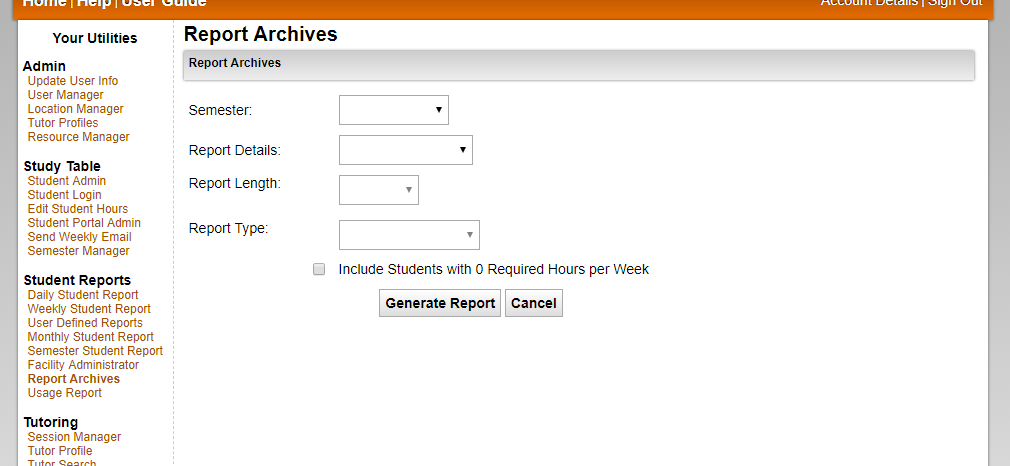
The archives contain the student reports for every semester. The information is stored so a coach or advisor can check students' records from past semesters, and it is viewable in the same easy to use format just as the current semester's report.


©2002 - 2008 Nate Althoff